Nobody should have to guess how Mum is today.
Kinwell gives everyone caring for a relative one shared place — daily check-ins, medication, tasks and appointments.
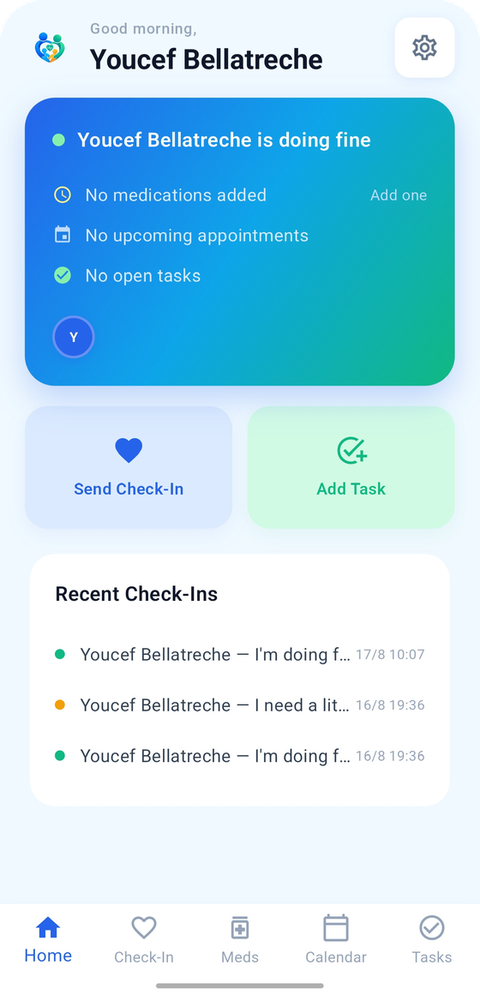
Three taps. That's the whole thing.
Most days, all anyone needs to know is that things are fine. One tap says so — and everyone's phone knows within seconds.
Check-in
Sent to your family
Everyone sees it. Nobody has to ask.
4 phones buzzed just now
How it works
Getting started takes a couple of minutes, on the sofa, on a Sunday.
- 01
Create your family
Enter your name and say who you are — daughter, son, carer. That's the whole sign-up.
- 02
Share the code
Everyone else scans your QR code to join. No invitations to chase, nothing to set up for people who find that hard.
- 03
Say who you're caring for
Name the person at the centre of it. They don't need the app themselves — most don't.
Medication
No more 'did someone give Dad his tablets?'
Add each medication once with its dose and time. Anyone can tick one off, and everyone sees it straight away.
- Resets itself every morning
- Shows today's progress on the dashboard
- Everyone is notified when one is taken
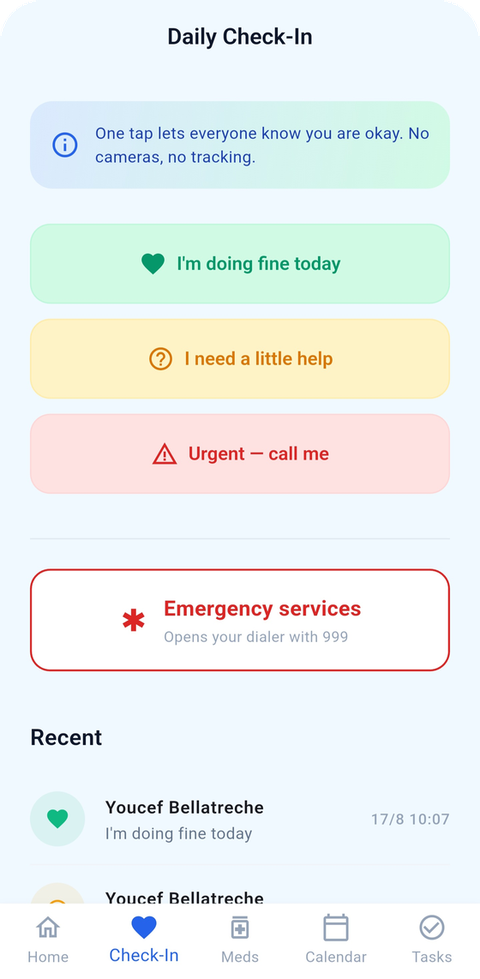
Tasks & appointments
The lift to the doctor, sorted on Tuesday.
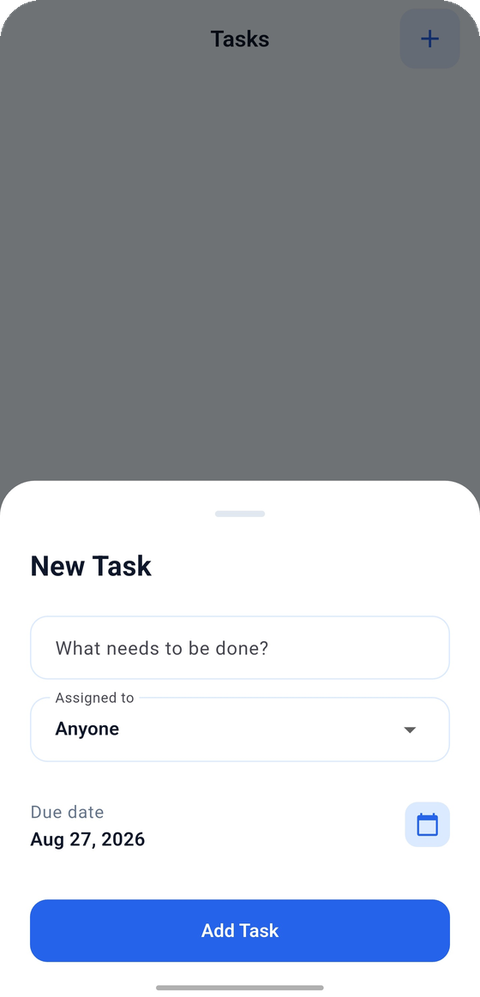
Assign the shopping, the prescription pick-up, the Thursday visit to a named person — so it isn't quietly always the same one of you.
- Every appointment records who's driving
- Due dates, with overdue clearly marked
- Swipe to remove when it's done with
When it matters
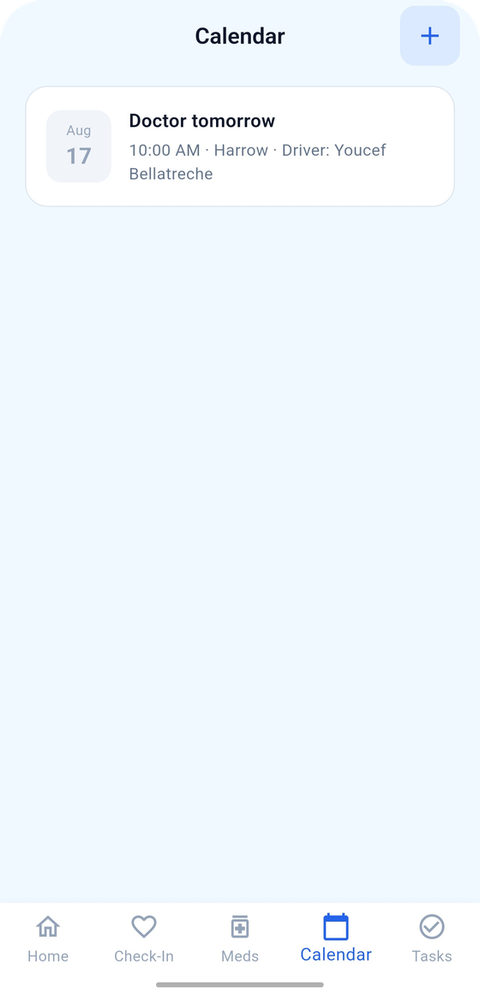
An emergency button that never dials on its own.
Tap it and your phone's dialer opens with your country's emergency number ready — 999 here, 911 in the US, 000 in Australia. You always press call yourself.
Your family's health is nobody else's business.
Kinwell holds medication names and daily wellbeing. We treat that as seriously as you'd expect — and we'd rather tell you exactly how it works than reassure you vaguely.
Only your family
Security rules limit every record to the people in your family group. Nobody else can read them.
Sent, not broadcast
Notifications go to your family's individual devices — never to a channel an outsider could subscribe to.
Delete it all, any time
One button in Settings removes your account and its data. No email, no waiting.